



Unified task management: Organization and focus for your team
Combine the clarity of lists with the agility of a Kanban board. Choose the best way to visualize and manage your team’s workflow.
Task list: Organization and focus for your team
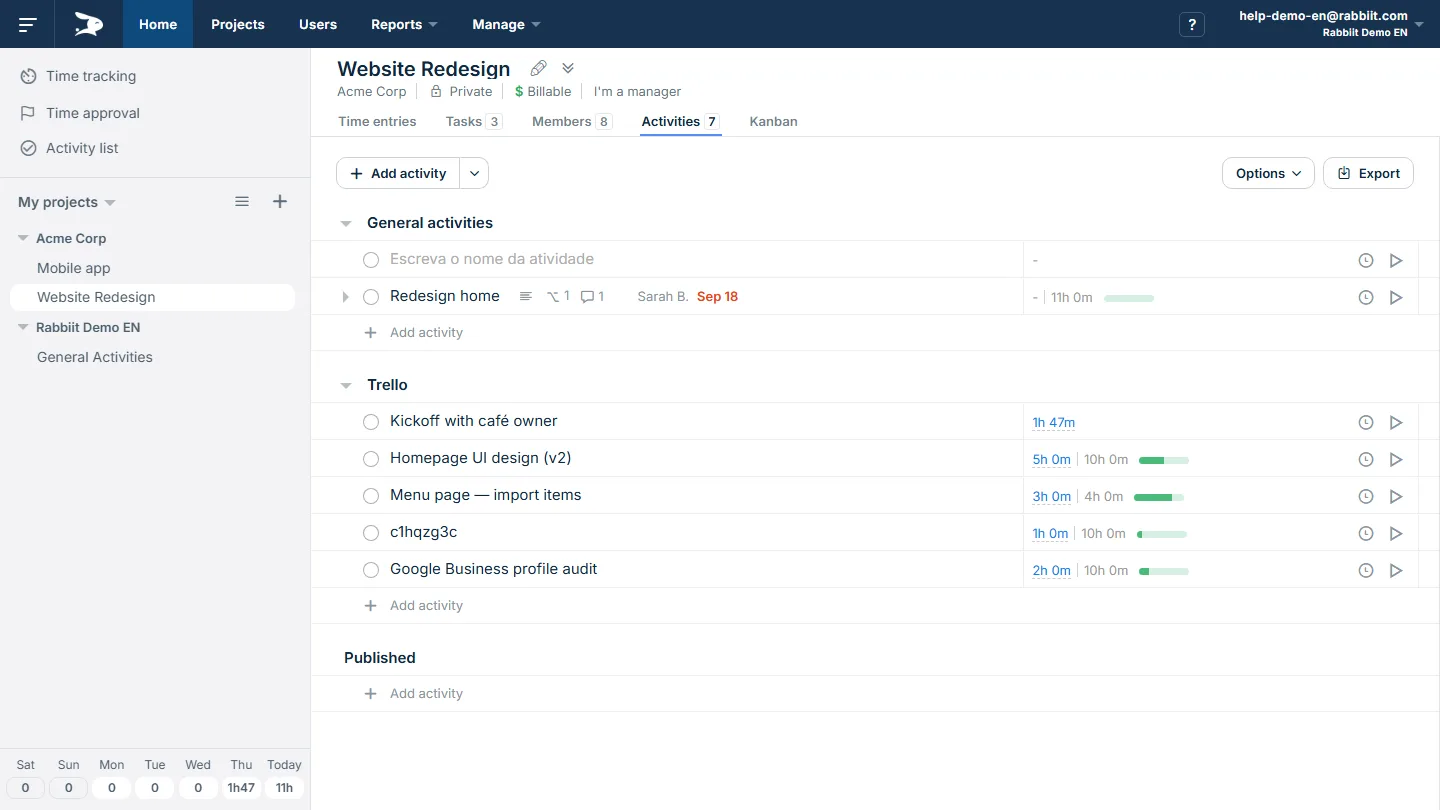
Turn complex projects into actionable tasks. Organize your team’s workflow and make sure nothing is forgotten with simplified task management.
Key Benefits
Powerful task lists
Create task lists for each project and categorize work. Keep the team aligned on priorities and what needs to be done each day.
Get benefitProgress tracking
See each task’s progress in real time. Know who owns each activity and the current status of delivery.
Get benefitPer-task estimates
Set how long each activity should take and track actual time spent. Improve future planning by comparing estimated versus actual.
Get benefitAgile interface
Add dozens of tasks as fast as in a spreadsheet. Reorder tasks and switch lists with drag-and-drop or keyboard shortcuts.
Get benefitKanban board: Visualize your workflow
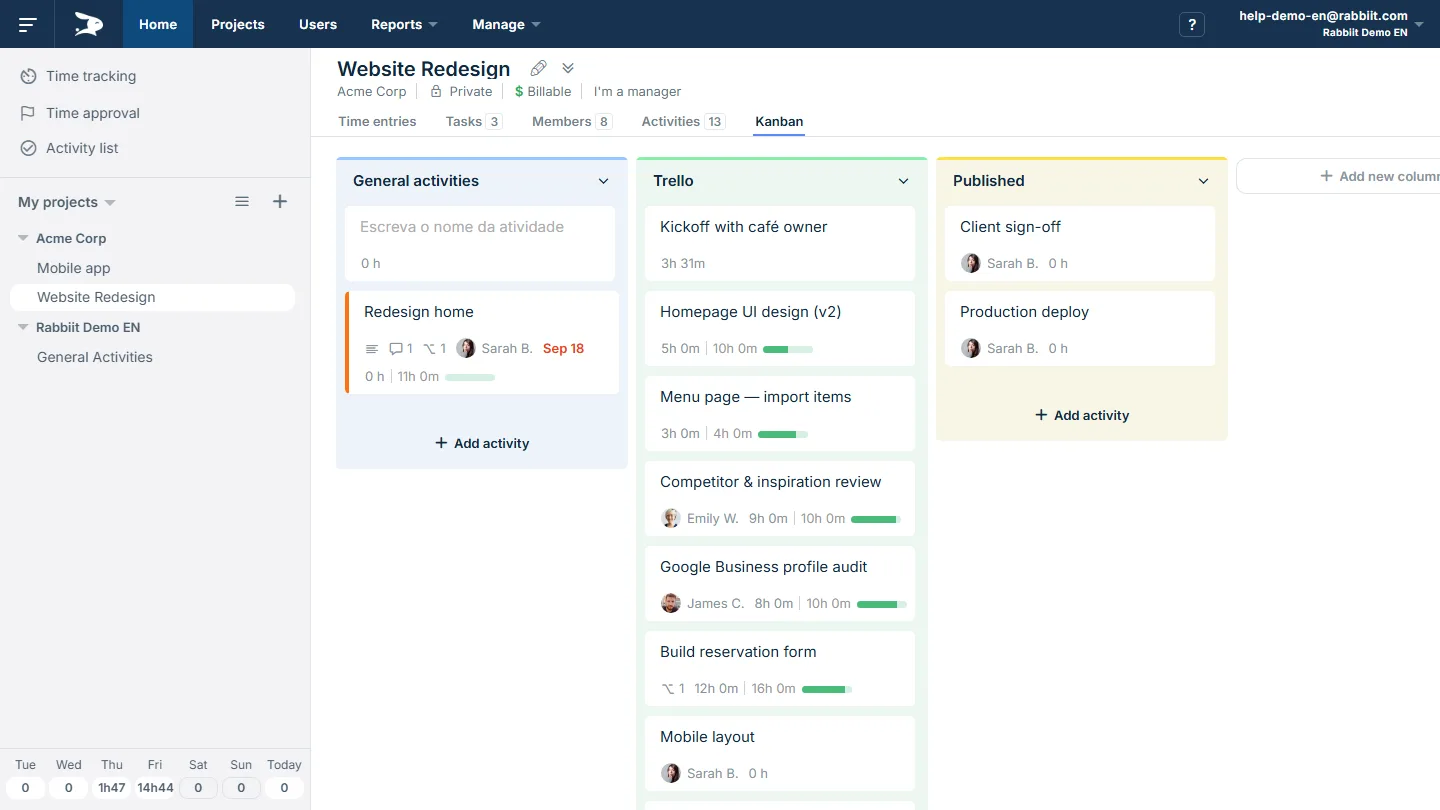
Get an agile and clear view of each activity’s status. Identify bottlenecks and improve delivery with Rabbiit’s intuitive Kanban board.
Key Benefits
Visual and agile management
Drag cards between stages and make status obvious to everyone. Fewer alignment meetings, more execution.
Get benefitBottleneck identification
When a column clogs up, the issue shows up immediately. Unblock it before it becomes a delay.
Get benefitFocus on delivery
Prioritize what unblocks the project and keep the team focused on what matters now. Consistent delivery beats “lots of half-finished work”.
Get benefitIntegrated with time tracking
Run the timer and log hours right on the card. Your team keeps context, and you get reliable history.
Get benefitMore task management and workflow features
Other Rabbiit features
Frequently asked questions
What is Rabbiit?
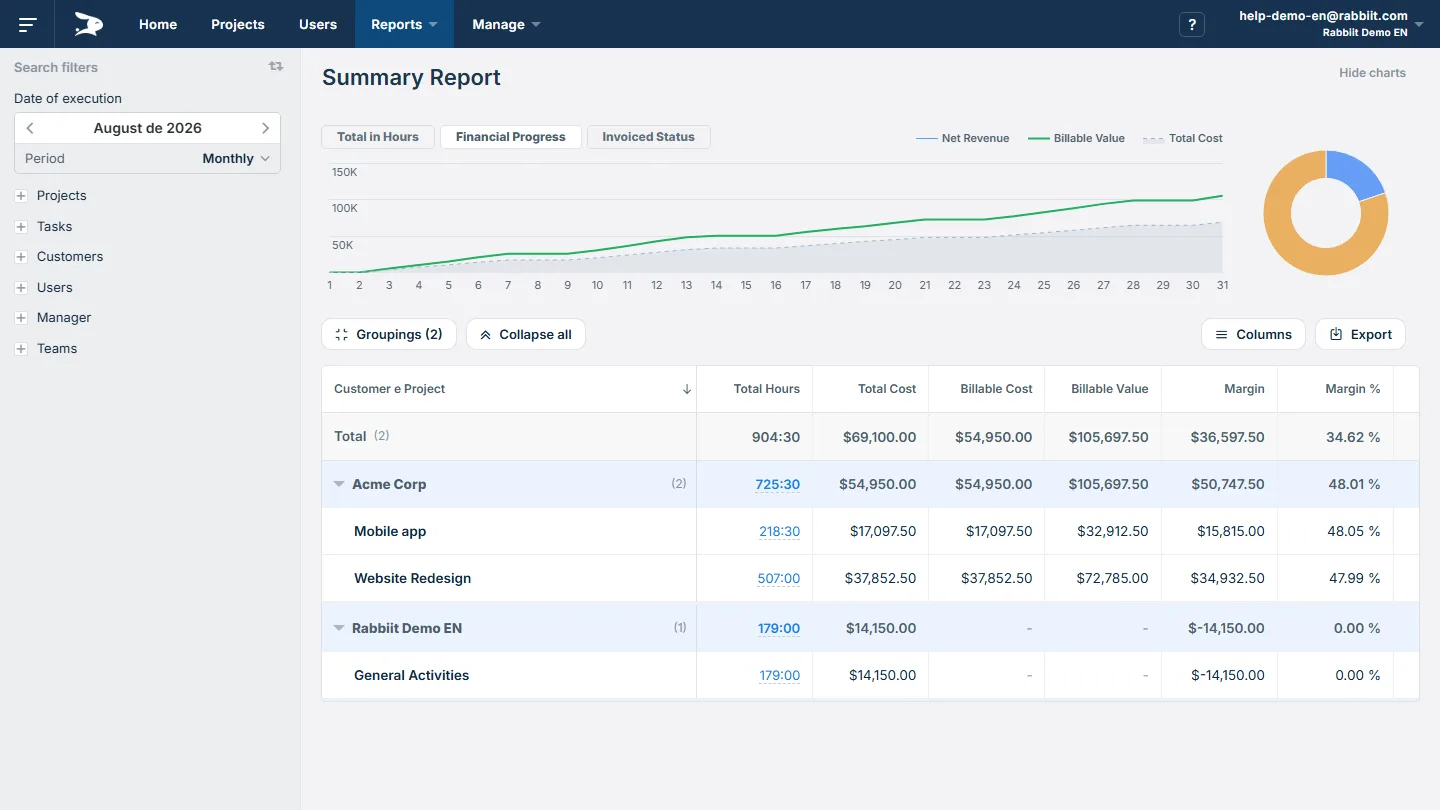
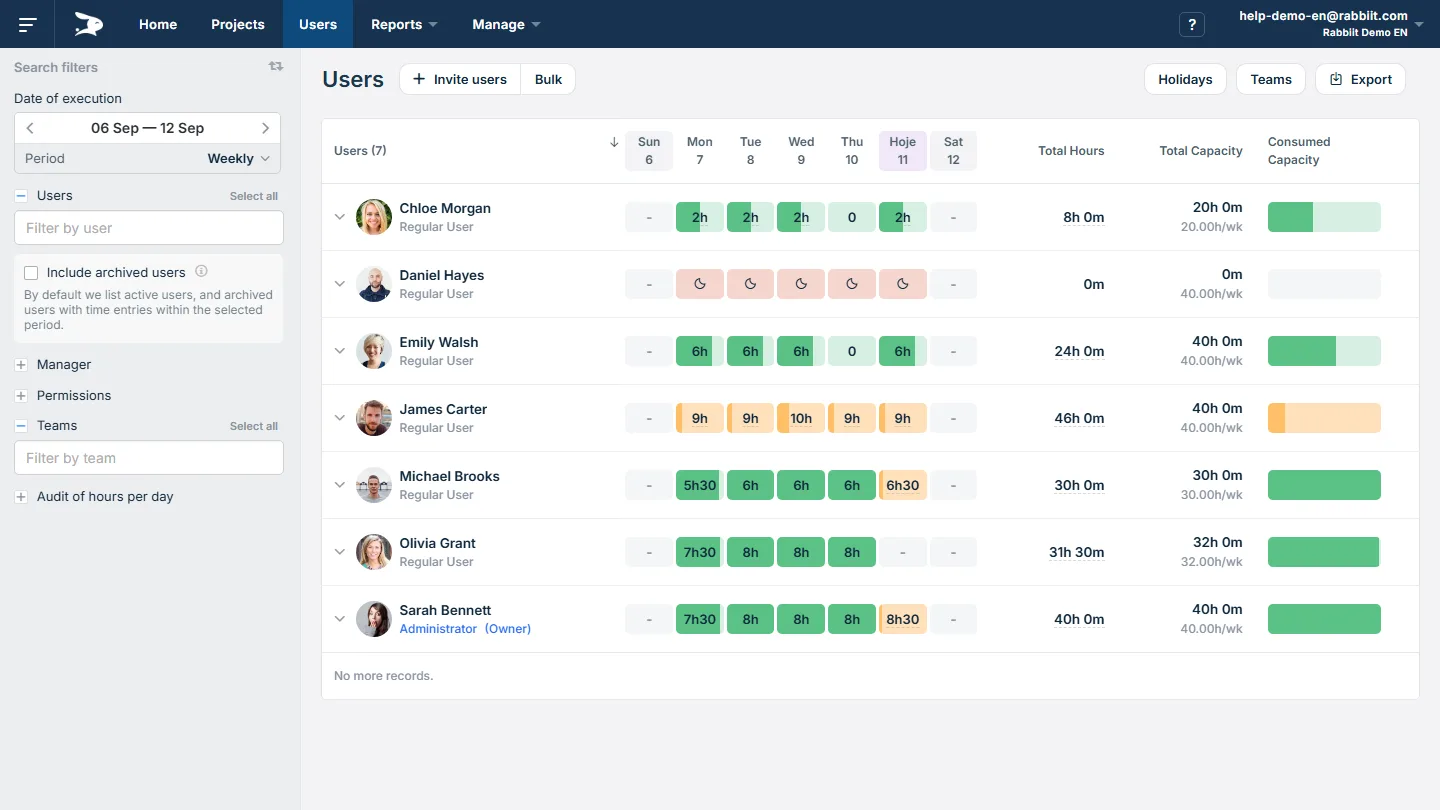
Rabbiit is a time tracking, project management and billing software in one place. It brings together timesheet, budget per project, task tracking and profitability reports, so teams and managers can stop using spreadsheets and have a clear view of time worked and what can be billed.
Why is Rabbiit the best time tracking software?
Rabbiit brings together time tracking, projects, tasks, budget and billing in one tool — no spreadsheets and no friction with the team. You stop paying for multiple tools and reworking data.
We are flexible: the tool grows with your team. You get granular permissions to match your company hierarchy and custom fields on users, projects, clients and time entries to adapt the tool to your processes.
You also get PDF reports with your logo, exports in multiple formats, API for integrations and AWS infrastructure — enterprise-grade features for SMBs.
Since 2014, consultancies, agencies and SMBs have used Rabbiit to manage time, control margin and bill with confidence.
What types of companies and professionals use Rabbiit?
Rabbiit is used by consultancies, architecture and engineering firms, software developers, project managers, marketing and advertising agencies, legal and IT consultancies, accounting firms, designers, freelancers and many other profiles who need to control hours, projects and billing. Most customers are small and medium-sized businesses (SMBs), but we also have teams with over 100 employees using the tool.
How does time tracking work in Rabbiit?
Time can be logged in two ways: with a timer (stopwatch that records time in real time) or manual entry (entering project, task and hours). Rabbiit calculates everything in real time and keeps history by project and client, enabling usage, budget and billing reports without rework.
What is the difference between using Rabbiit and spreadsheets for time tracking?
With Rabbiit, hours stay in one place, linked to projects and clients, and reports are generated automatically — budget, progress and billing. No need to consolidate spreadsheets, fix formulas or waste time on rework. The team logs in seconds and the manager sees in real time what is within budget and what can be billed.
Does Rabbiit generate reports ready for client billing?
Yes. Rabbiit generates custom PDF reports with your logo, professionally formatted — saving time on formatting to send to the client or use as the basis for invoices. You set hourly rates per project or team member and the system calculates the amount to bill. Besides PDF, you can export to CSV and Excel for analysis or integrations. You get full transparency on what was delivered at each stage, without rework.
Can you do estimates and project budgeting in Rabbiit?
Yes. In Rabbiit you set the project budget in two ways: as amount to bill (expected revenue) or as hours estimate (planned hours). The system tracks consumption, progress and variance in real time, so you can avoid overruns before they become losses and keep margin under control.
Can you create task lists and a Kanban board in Rabbiit?
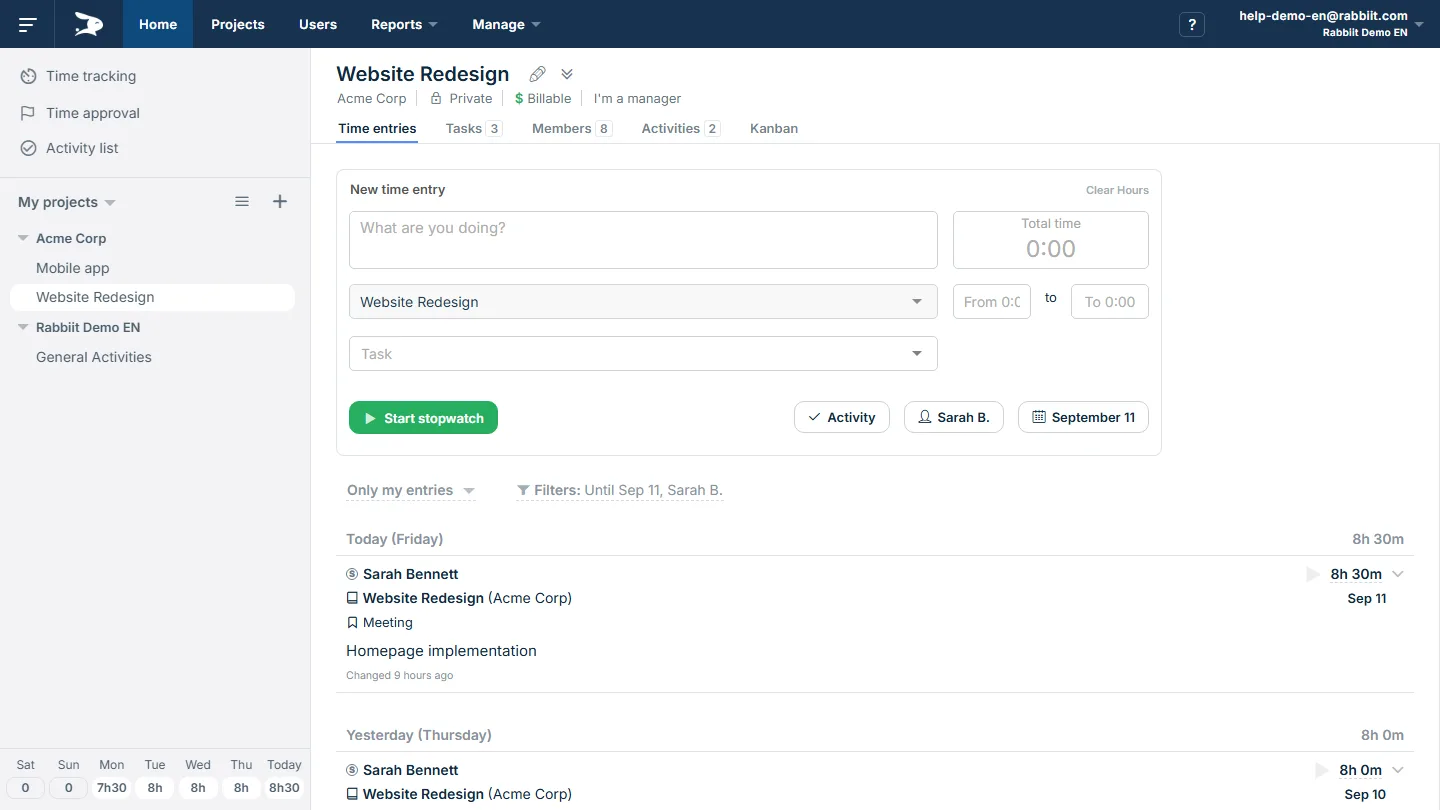
Yes. Rabbiit offers task management with activity lists per project and a Kanban board to visualize flow (To-do, In progress, Done). You can switch between list and Kanban views, assign owners, due dates and estimates, and log time directly on the task — all integrated with time tracking.
How much does it cost? Does Rabbiit have a free plan?
Cost: Paid plan price depends on number of users and period (monthly or annual). You can simulate the amount on our pricing page.
Free plan: Yes. Rabbiit offers a free plan with limited features and a 14-day free trial of paid plans, no credit card required. You can try the full tool and, at the end of the trial, subscribe to a paid plan or stay on the free one.
How do I start using Rabbiit?
Just create your account for free — we don't ask for a credit card for the trial. Then add clients and projects, invite your team and start logging hours (timer or manual). You can try the paid plan free for 14 days and, if you like, stay on the free plan or subscribe to a paid plan when it makes sense.